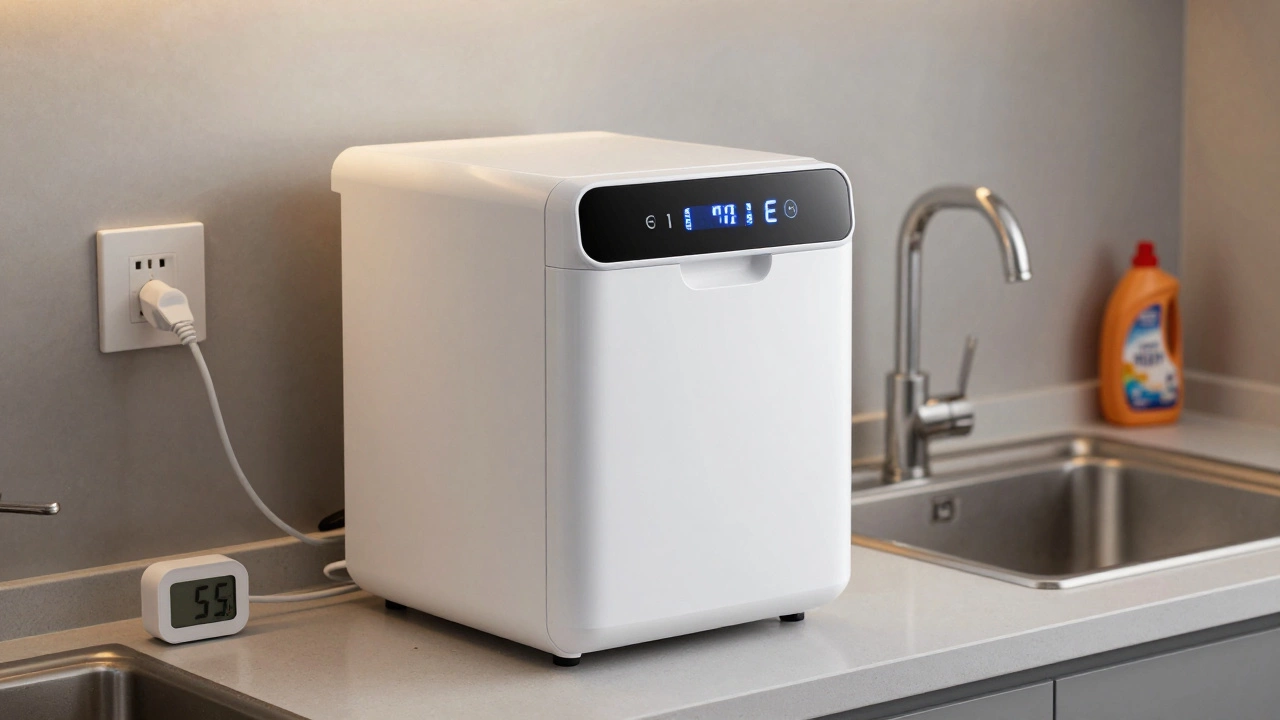
Dishwasher Reset Assistant
Identify Your Dishwasher Issue
Select your problem to get the recommended reset method:
Recommended Reset Method
If your dishwasher suddenly stops mid-cycle, flashes error lights, or just won’t start, don’t rush to call a repair technician yet. Most of the time, a simple reset can bring it back to life. Dishwashers aren’t magic-they’re machines with sensors, circuits, and control boards that can glitch like any electronic device. Resetting one is usually the first thing you should try before spending money on a service call.
Why You Might Need to Reset Your Dishwasher
Dishwashers reset for a reason. They’re designed to shut down when something’s off-balance: a sensor detects water not draining, the heating element overheats, or the control board gets confused by a power surge. It’s not broken-it’s protective. Think of it like your phone restarting after freezing. A reset clears temporary errors and lets the system reboot properly.Common signs you need to reset:
- The display is blank or stuck on a single symbol
- Buttons don’t respond at all
- Error codes like E1, E2, E4, or F1 are flashing
- The cycle starts but stops after 10 minutes
- You hear clicking or humming but no water flow
Step-by-Step: How to Reset a Dishwasher
There’s no single way to reset every dishwasher-brands vary. But most follow one of three common methods. Try them in order.
Method 1: Power Cycle (Works for 90% of Cases)
This is the easiest and most effective fix. Unplugging removes all power, letting the control board reset completely.
- Turn off the dishwasher using the power button if it has one.
- Unplug it from the wall outlet. If it’s hardwired (no plug), turn off the circuit breaker that controls it.
- Wait at least 5 minutes. Some models need up to 10 minutes for capacitors to fully discharge.
- Plug it back in or turn the breaker back on.
- Press the power button. Wait 10 seconds, then start a normal wash cycle.
Pro tip: If you have a smart dishwasher (like a Samsung or Bosch with Wi-Fi), wait the full 10 minutes. These models store settings in memory and need longer to clear.
Method 2: Use the Reset Button (If Your Model Has One)
Some newer dishwashers, especially from Whirlpool, GE, and KitchenAid, have a dedicated reset button. It’s usually hidden.
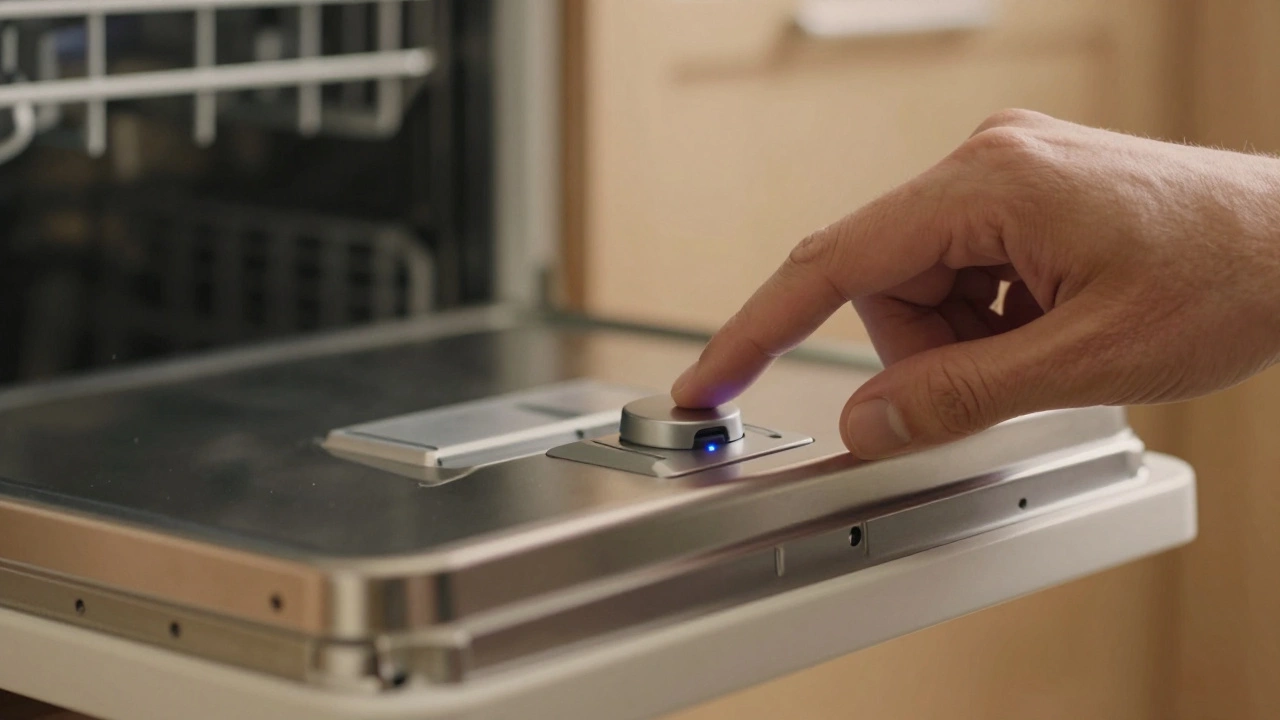
- Look for a small button labeled "Reset," "Reset/Cancel," or a circular arrow icon.
- It’s often behind the front panel, near the control panel, or under the door edge.
- Press and hold for 3 to 5 seconds until you hear a beep or see a light change.
- Close the door and restart the cycle.
Check your manual if you’re unsure. Most manufacturers include reset instructions in the troubleshooting section. If you don’t have the manual, search online for "[your brand] dishwasher reset button"-most have PDFs available.
Method 3: Key Sequence Reset (For Older or High-End Models)
Some brands use a button sequence instead of a physical reset button. This is common on Bosch, Siemens, Miele, and LG models.
Example for Bosch: Press and hold the "Start" button for 5 seconds. If that doesn’t work, try "Cancel" + "Start" together for 8 seconds.
Example for LG: Press "Power" to turn it off. Wait 5 seconds. Press and hold "Delicate" and "Heavy" at the same time for 6 seconds.
These sequences vary. The safest approach: Google your exact model number + "reset sequence." For example: "Bosch SHP865ZD6N reset."
What to Do If Resetting Doesn’t Work
If you’ve tried all three methods and your dishwasher still won’t start, the issue is deeper. Resetting fixes temporary glitches-but not mechanical or electrical failures.
Here’s what to check next:
- Door latch: If it’s not closing fully, the dishwasher won’t run. Try gently pushing the door shut while pressing start.
- Water supply: Check the shut-off valve under the sink. Is it fully open? A weak flow can trigger an error.
- Drain hose: Is it kinked or clogged? A blocked drain causes the machine to think water isn’t draining.
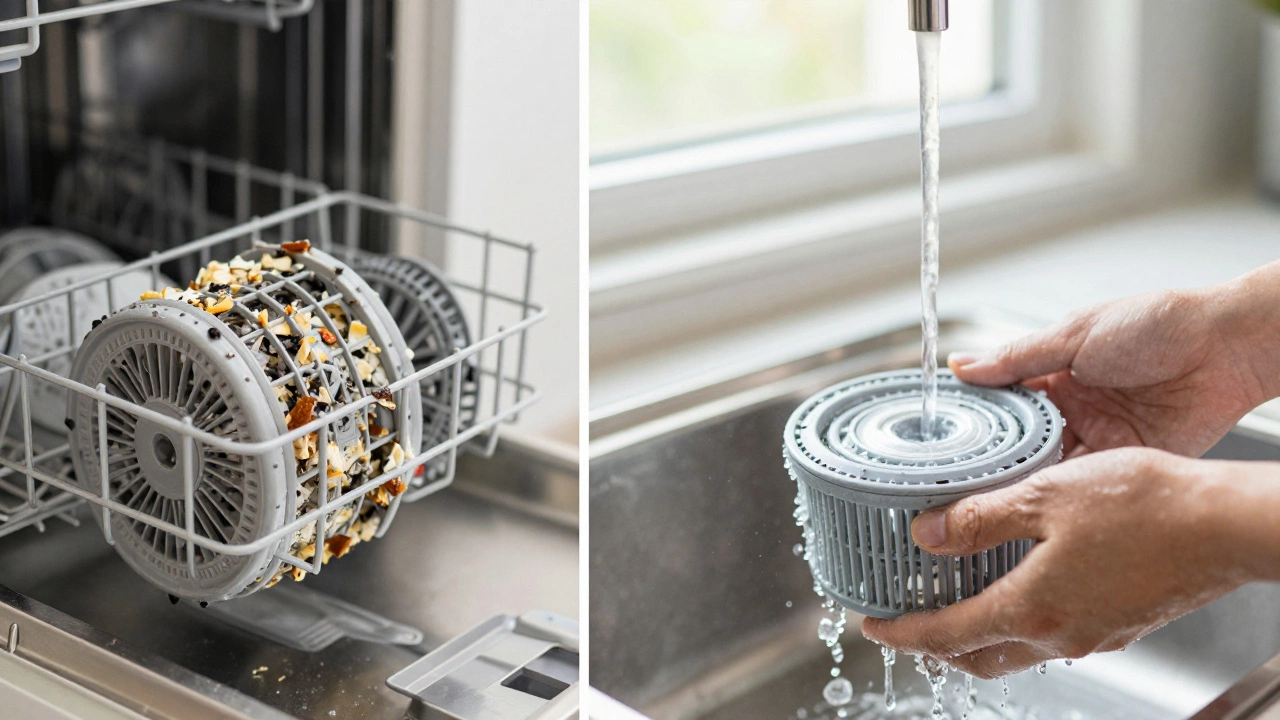
- Filter: Remove the bottom filter (usually under the spray arm) and rinse it under running water. Food debris here is the #1 cause of cycle failures.
- Thermal fuse: If the dishwasher overheats repeatedly, a safety fuse may have blown. This requires a technician to replace.
Common Error Codes and What They Mean
Modern dishwashers show error codes to help you diagnose problems. Here are the most common ones and what they usually mean:
| Code | Brand | Meaning | First Step to Fix |
|---|---|---|---|
| E1 or E2 | Bosch, Siemens | Water inlet problem | Check water valve and supply line |
| E4 or F1 | Whirlpool, GE | Drain issue | Clean filter and check drain hose |
| F2 | LG | Temperature sensor fault | Reset, then run hot water cycle |
| PF | Maytag | Power failure | Power cycle the unit |
| 1-9 (flashing numbers) | Miele | System error | Hold "Start" for 10 seconds |
These codes aren’t random. They’re diagnostic tools. If you see one, don’t ignore it. Resetting might clear it temporarily-but if it comes back, the underlying issue is still there.
Preventing Future Resets
You can reduce how often your dishwasher needs a reset by following these simple habits:
- Scrape food off dishes before loading. Don’t rely on the dishwasher to clean heavy debris.
- Run hot water at the sink before starting the dishwasher. This ensures hot water reaches the machine right away.
- Clean the filter every 2 weeks. A clogged filter is the #1 reason for cycle interruptions.
- Use the right detergent. Powder or pods work better than liquid in hard water areas like Auckland.
- Don’t overload. Leave space between dishes for water to circulate.
Also, avoid running the dishwasher during peak electricity hours. Power surges from other appliances (like air conditioners or washing machines) can confuse the control board.
When to Call a Professional
Resetting works in about 7 out of 10 cases. If you’ve tried everything and the dishwasher still won’t run, it’s time to call a technician. Signs you need help:
- The display stays dark even after a power cycle
- You smell burning plastic or electrical smoke
- Water leaks from the bottom or sides
- It runs but leaves dishes dirty or wet
- It makes loud grinding or screeching noises
These aren’t fixes you can do yourself. A faulty control board, broken pump, or damaged heating element needs real tools and training. In Auckland, most appliance repair services can diagnose and fix these within 24 hours.
Final Tip: Keep Your Manual Handy
Every dishwasher manual has a troubleshooting section. Even if you lost the paper copy, most manufacturers keep PDFs online. Save yours now: search your brand + model number + "manual." Keep it in a folder on your phone or print a copy. It’s the fastest way to solve future problems without guessing.