Laptop Retirement Calculator
Your Current Laptop Costs
New Laptop Options
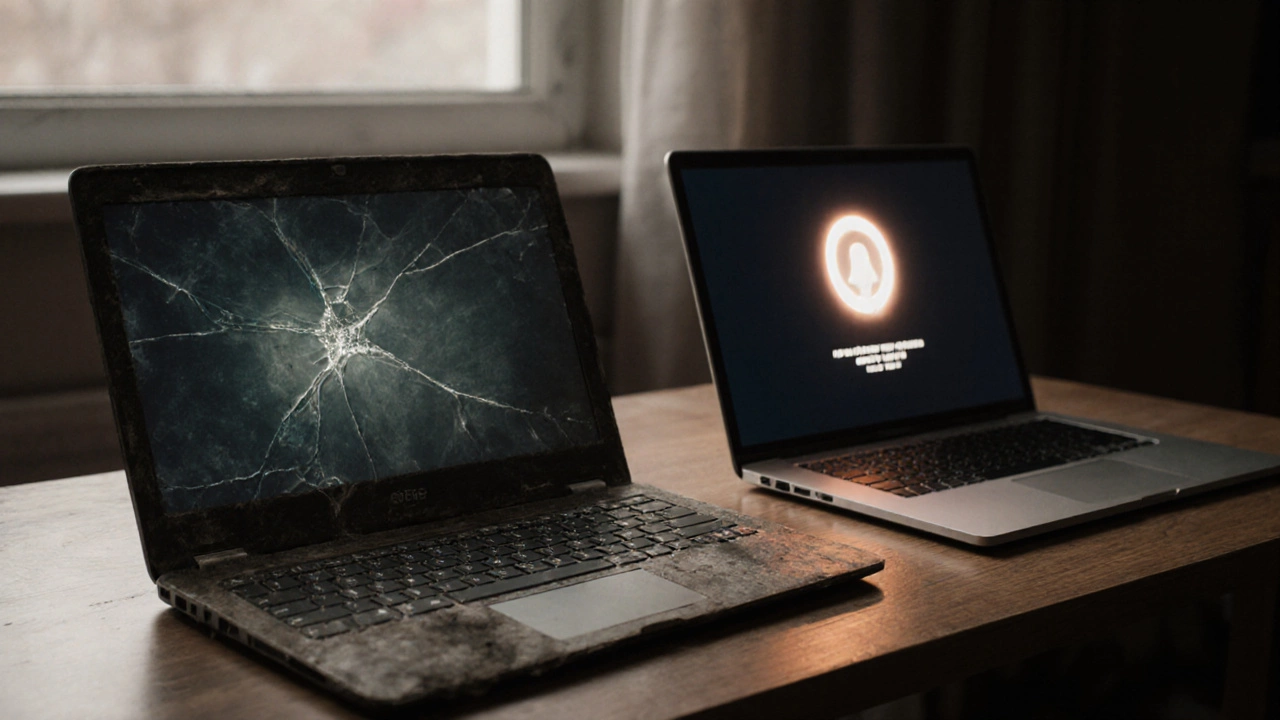
You’ve got a 10-year-old laptop sitting in the corner. It still turns on. It still runs. But it’s slow. The battery swells a little. The keyboard has sticky keys. You keep thinking, "Is a 10-year-old laptop worth keeping?" Maybe you’re holding onto it out of habit, guilt, or the fear of spending money. Let’s cut through the noise. This isn’t about nostalgia. It’s about real value - what works, what doesn’t, and when it’s time to let go.
What’s Actually Happening Inside a 10-Year-Old Laptop?
A laptop from 2015 isn’t just "old" - it’s built on different tech. Most of them use Intel Core i3 or i5 processors from the 4th or 5th generation. They came with 4GB to 8GB of RAM. Storage? Probably a 500GB mechanical hard drive spinning at 5400 RPM. Compare that to today’s laptops with Ryzen 7s, 16GB of DDR5 memory, and NVMe SSDs that boot in under 5 seconds. The gap isn’t small. It’s massive.
Hardware doesn’t just get slower - it gets incompatible. Windows 11 won’t run on most 10-year-old laptops because they lack TPM 2.0 or UEFI firmware. Even if you force-install it, you’ll get constant driver errors and no security updates. Linux? Sure, you can install Linux Mint or Ubuntu on it. But then you lose access to apps like Microsoft Office, Zoom, or Adobe software that most people need daily. You’re trading convenience for compatibility.
Is the Battery Still Holding Up?
One of the biggest red flags is the battery. Lithium-ion batteries degrade after about 300-500 charge cycles. A 10-year-old laptop has been through 1,500 cycles - maybe more. If your laptop dies in 15 minutes when unplugged, you’re not saving money by keeping it. You’re just carrying around a brick with a power cord.
Replacing the battery on a 10-year-old model? Possible - but expensive. A genuine replacement for a Dell Latitude or Lenovo ThinkPad can cost $80-$120. For a cheaper brand? You’re stuck with sketchy third-party batteries that sometimes swell, leak, or catch fire. I’ve seen three cases in Auckland where people tried to save $500 by replacing a laptop battery themselves. Two of them ended up with damaged desks and smoke alarms going off.
Repair Costs vs. Replacement Costs
Let’s say your screen is cracked. The keyboard doesn’t work. The fan is loud as a vacuum. You take it to a repair shop. Here’s what you’ll hear:
- Screen replacement: $150-$250
- Keyboard replacement: $80-$150
- Hard drive to SSD upgrade: $100-$180
- Logic board repair (if it’s failing): $250+
That’s $500+ just to fix a few issues. And even then, you’re still stuck with outdated CPU, RAM, and no warranty. Meanwhile, a brand-new entry-level laptop - like an Acer Aspire 5 or Lenovo IdeaPad 3 - costs $450-$550. It comes with a 1-year warranty, a modern processor, 8GB RAM, a 256GB SSD, and Windows 11 ready to go. You’re not saving money by repairing. You’re spending more for less.
What You’re Really Paying For: Time and Frustration
Money isn’t the only cost. Time is. A 10-year-old laptop takes 3 minutes to boot. It freezes when you open three browser tabs. It crashes during video calls. You spend 20 minutes a day waiting for things to load. That’s 100 minutes a week. Over a year? Over 80 hours. That’s two full workdays lost to lag.
And let’s talk about security. A laptop from 2015 can’t run modern antivirus software properly. Windows 10 support ends in 2025. After that, no more security patches. Your laptop becomes a backdoor for hackers. Even if you’re not banking online, your email, passwords, and files are still at risk. You don’t need a hacker to target you - just a single infected website, and your data is gone.
When It’s Actually Worth Keeping
There are exceptions. Not every old laptop is trash. Here’s when keeping it makes sense:
- You use it for one thing only - like writing in Notepad, browsing offline docs, or playing old games.
- You’ve already upgraded the storage to an SSD and added 8GB RAM. That’s the biggest performance boost you’ll ever get.
- You’ve installed a lightweight Linux distro like Linux Lite or Zorin OS Lite, and it runs smoothly.
- You’re using it as a secondary device - for kids’ homework, a digital photo frame, or a dedicated media player.
But if you’re trying to do real work - email, Zoom, Google Docs, spreadsheets - it’s not worth it. You’re not being frugal. You’re being inefficient.
What to Do With Your Old Laptop
If you decide to replace it, don’t just toss it. Here’s what to do:
- Backup everything. Use an external drive or cloud service like Google Drive or OneDrive.
- Wipe the hard drive. Use DBAN or the built-in Windows reset with "Remove everything" and "Clean the drive" turned on.
- Donate it. Organizations like TechCollect NZ or local schools take old laptops for refurbishment.
- Recycle it. Auckland City Council has free e-waste drop-off points at the North Shore and Papakura recycling centers.
Never throw it in the bin. Electronics contain lead, mercury, and lithium. They don’t just disappear. They end up in landfills in Southeast Asia, poisoning communities and water supplies.
Bottom Line: The Math Doesn’t Lie
A 10-year-old laptop isn’t a bargain. It’s a liability. The cost of repairs, lost time, security risks, and poor performance adds up faster than most people realize. A $500 new laptop isn’t an expense - it’s an investment in your productivity, safety, and peace of mind.
That old machine might have served you well. But holding onto it now isn’t loyalty. It’s laziness dressed up as thrift. Let it go. Your future self will thank you - especially when your video call doesn’t freeze, your files open instantly, and you don’t have to worry about your laptop turning into a fire hazard.
Can I still use Windows 10 on a 10-year-old laptop?
Technically, yes - but not safely. Microsoft ends support for Windows 10 in October 2025. After that, no more security updates. That means your laptop becomes vulnerable to malware, ransomware, and data theft. Even if it runs fine now, it’s a ticking time bomb. Upgrading to Windows 11 isn’t possible on most 10-year-old models, and forcing it leads to instability.
Is upgrading the SSD and RAM worth it for an old laptop?
Only if you’re using it for very basic tasks. Swapping a hard drive for an SSD and adding RAM can make a 10-year-old laptop feel 3x faster. But that’s only true for light use - browsing, word processing, watching videos. If you’re doing anything modern - video calls, multitasking, cloud apps - you’ll still hit walls with the CPU and lack of driver support. It’s a band-aid, not a fix.
Can I use a 10-year-old laptop as a second device?
Yes - if you’re realistic about its limits. Use it as a dedicated device for offline tasks: writing notes, playing music, viewing photos, or as a backup for kids’ homework. Don’t use it for anything that connects to your bank, email, or passwords. Keep it offline. That’s the only safe way to repurpose it.
Why won’t my old laptop run Windows 11?
Windows 11 requires specific hardware that most laptops from 2015 don’t have: TPM 2.0 chip, UEFI firmware, Secure Boot, and a compatible 64-bit processor. Even if your CPU is technically supported, the motherboard might not have the firmware to enable these features. Microsoft designed these requirements to improve security - not to force upgrades. So it’s not a glitch. It’s intentional.
What’s the best cheap laptop to replace a 10-year-old one?
For most people, the Acer Aspire 5 or Lenovo IdeaPad 3 are the best value. Both start around $480, come with an Intel Core i3 or AMD Ryzen 3, 8GB RAM, 256GB SSD, Windows 11, and a full-size keyboard. They’re reliable, repairable, and come with a 1-year warranty. Avoid ultra-cheap Chromebooks if you need Windows apps. They’re great for browsing, but not for work.
Is it safe to sell or donate my old laptop?
Only if you wipe the drive properly. Use DBAN (Darik’s Boot and Nuke) or Windows’ built-in "Remove everything" option with "Clean the drive" enabled. This overwrites your data multiple times so it can’t be recovered. Never just delete files or reset to factory settings - that leaves your data recoverable. If you’re unsure, take it to a certified e-waste recycler. They’ll wipe it for free.